Phosphene's 12 audio-reactive visual engines
An engine is the generator that draws the picture. Phosphene has 12, from fine dark lace to a real-time fluid simulation, and they all run in the same browser music visualizer: the same palettes, effects, decks and projection mapping work on every one. Switch with the number keys, 1 to 9 and then 0, - and =.
Open PhospheneFree, no sign-up. It runs in your browser.
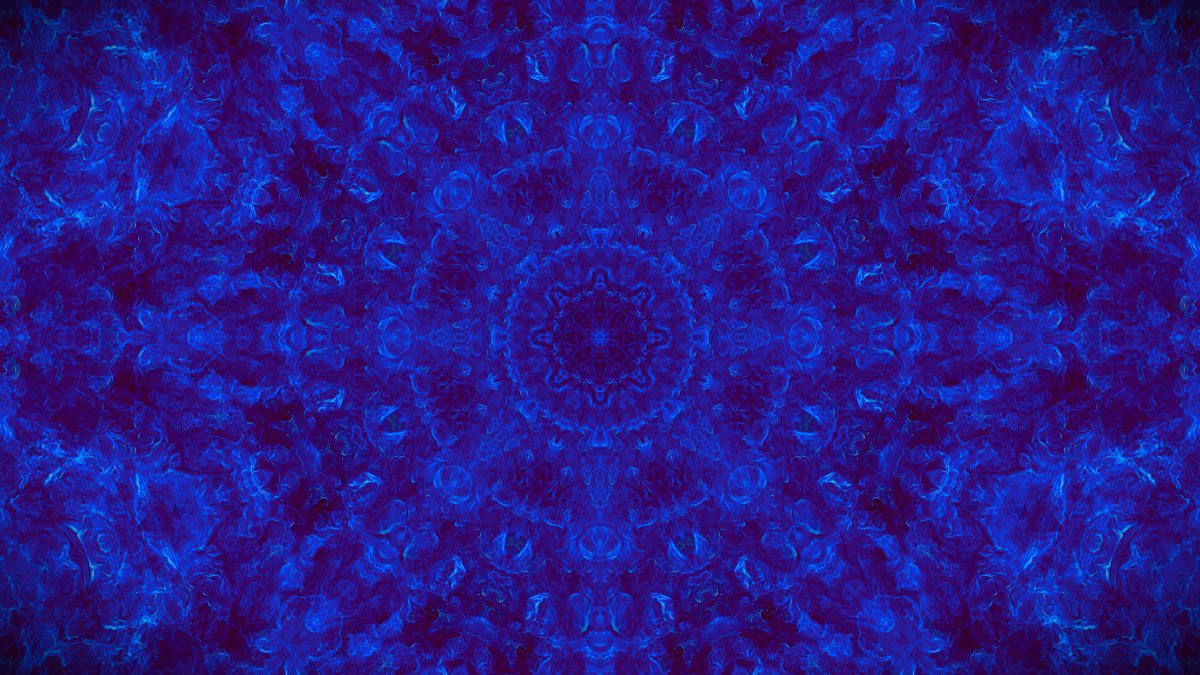 Dark Filigree 1
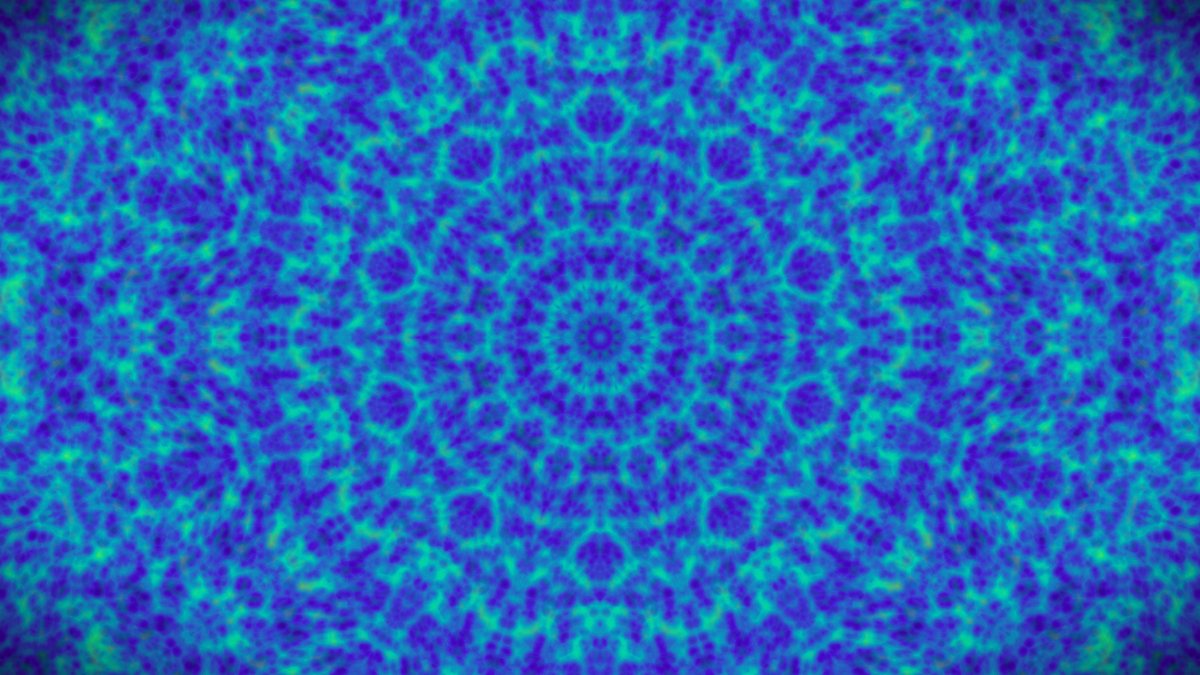 Glowing Nebula 2
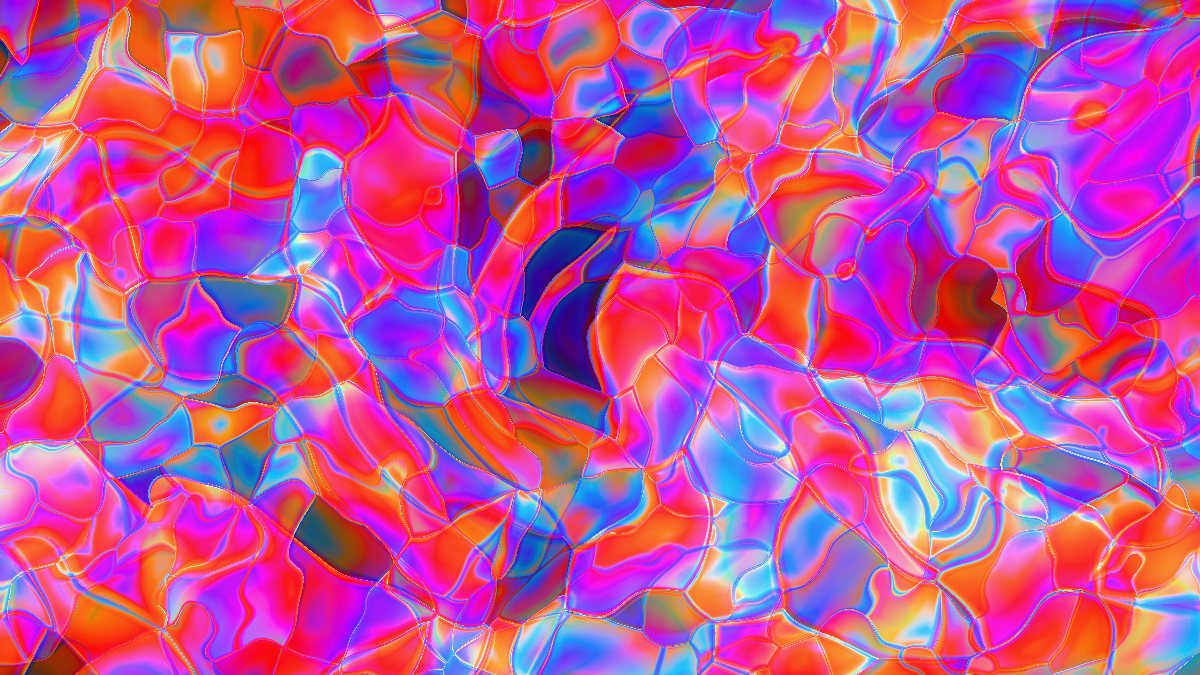 Liquid Light 3
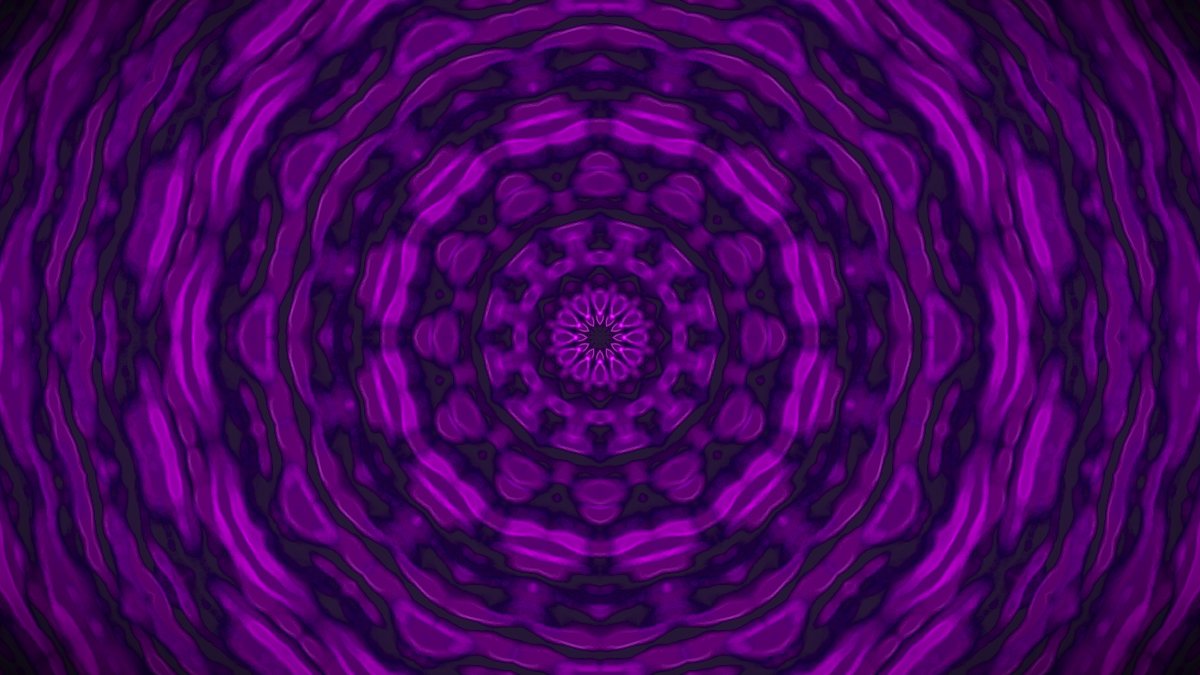 Sacred Geometry 4
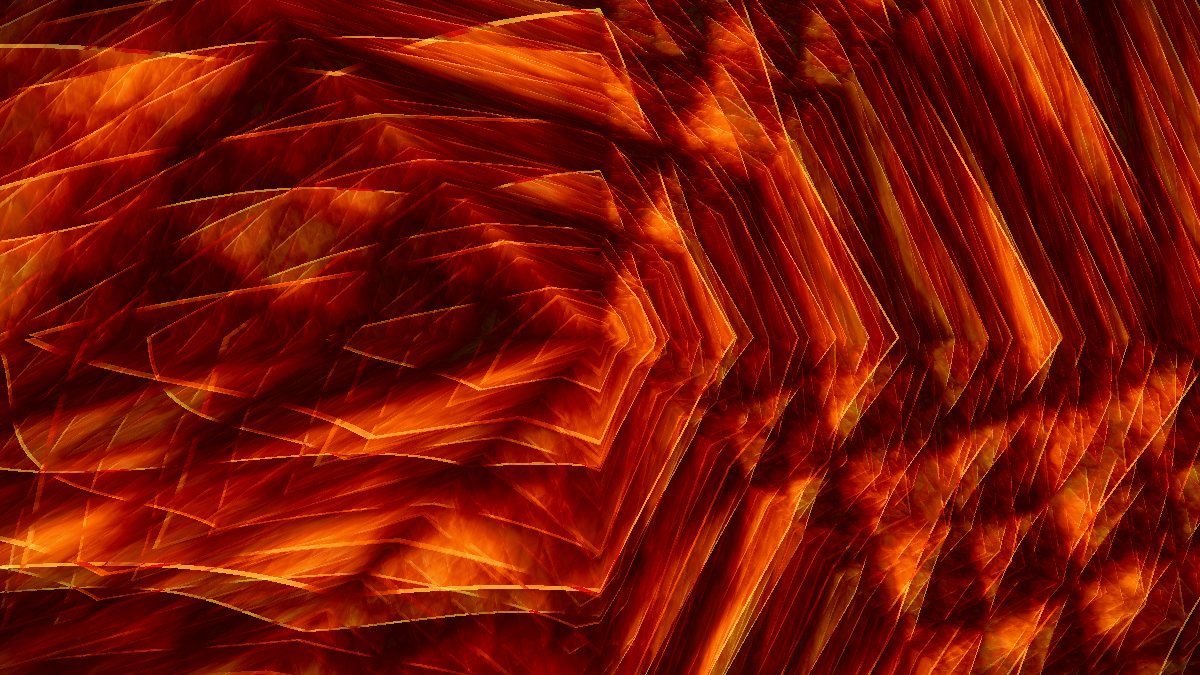 Fractal Quilt 5
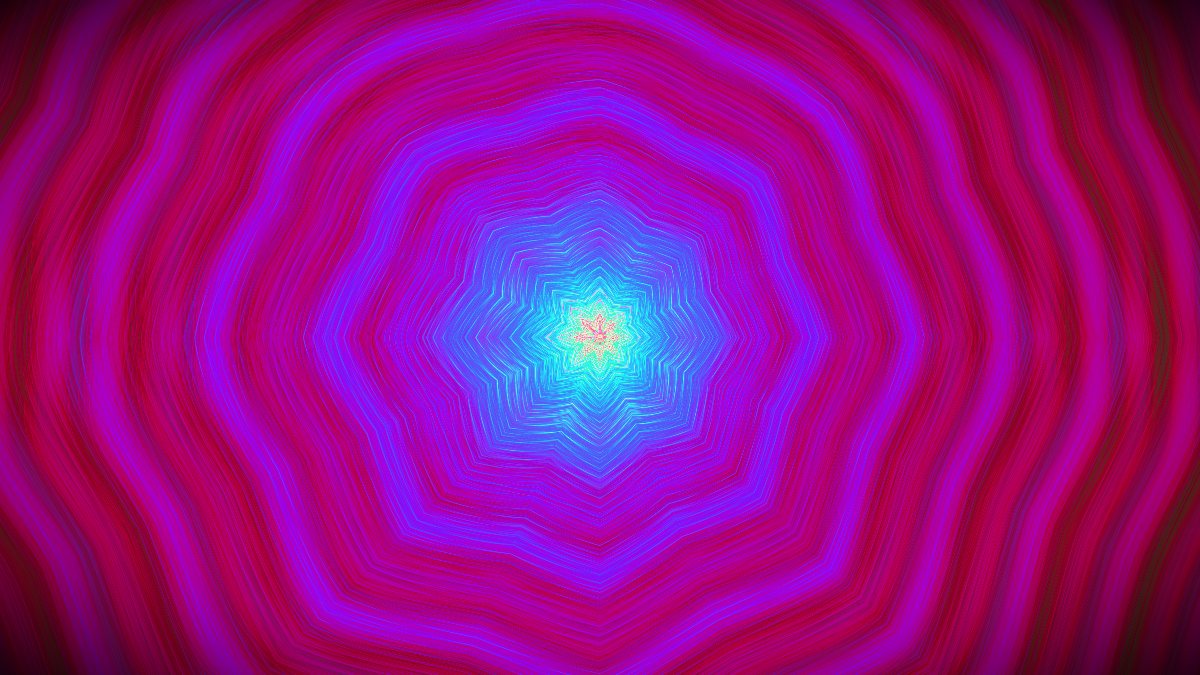 Galaxy Spiral 6
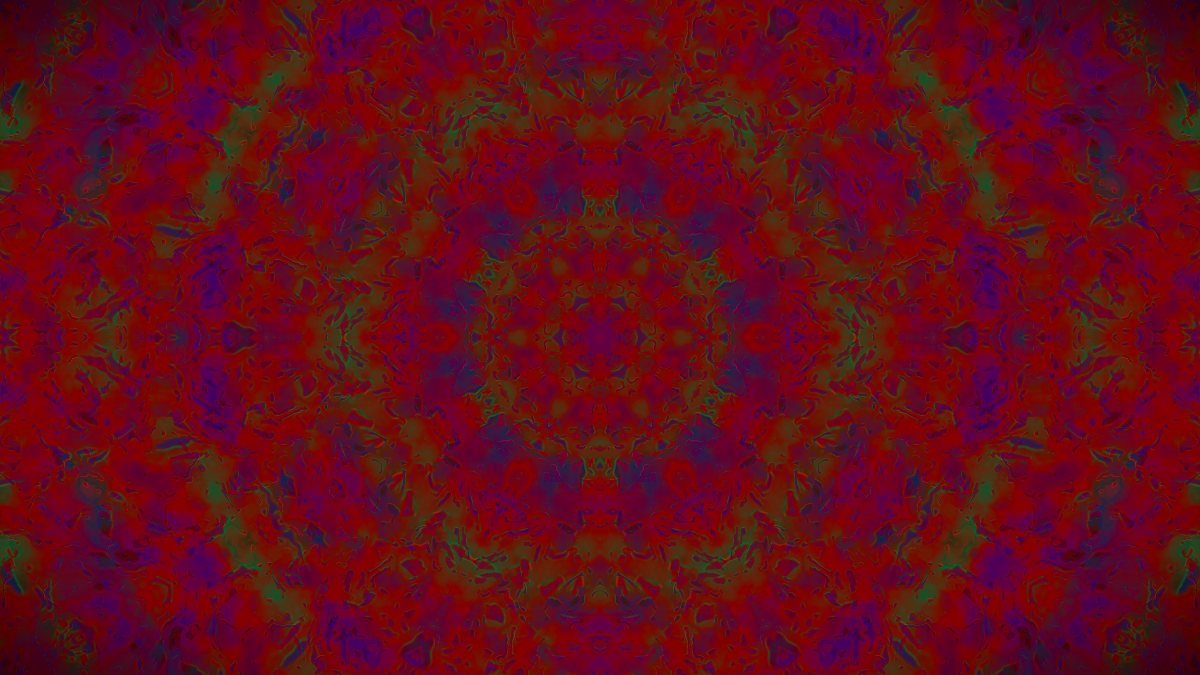 Reaction-Diffusion 7
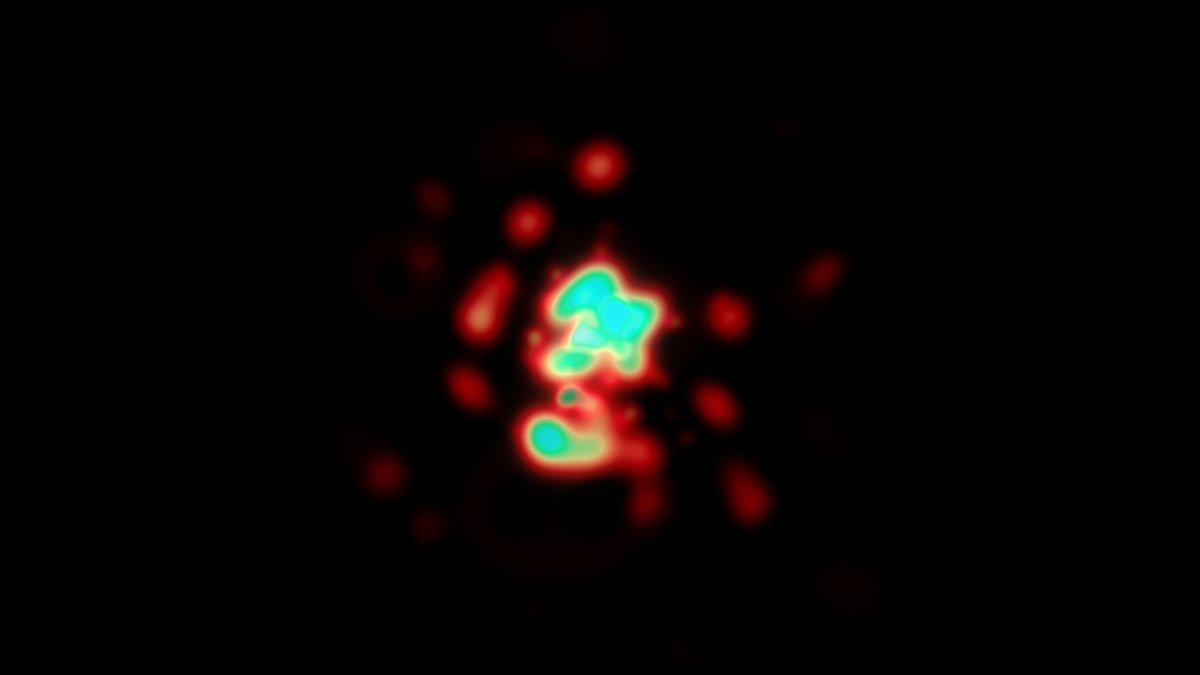 Particle Field 8
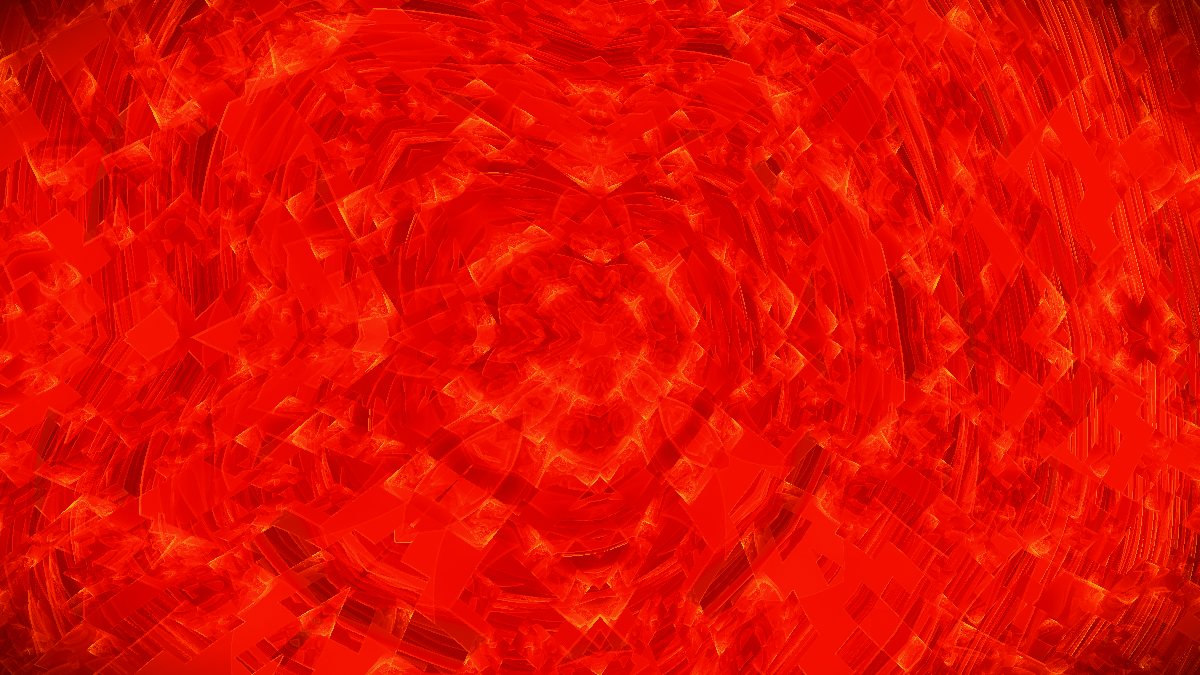 Fractal Flame 9
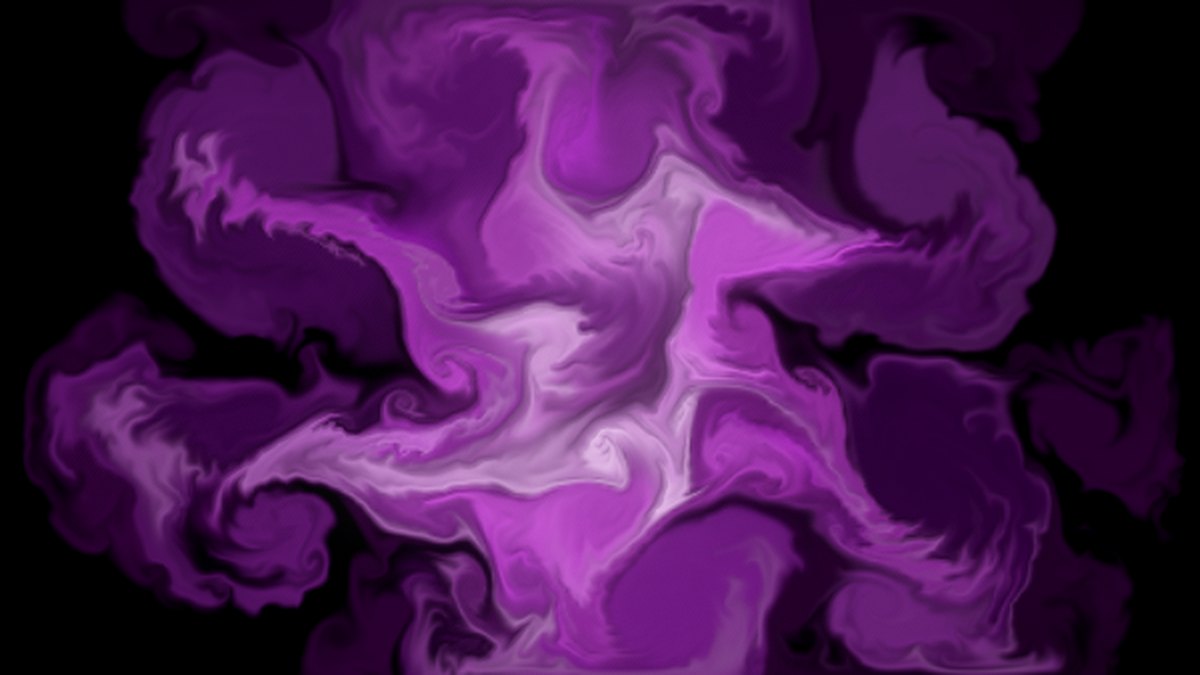 Fluid 0
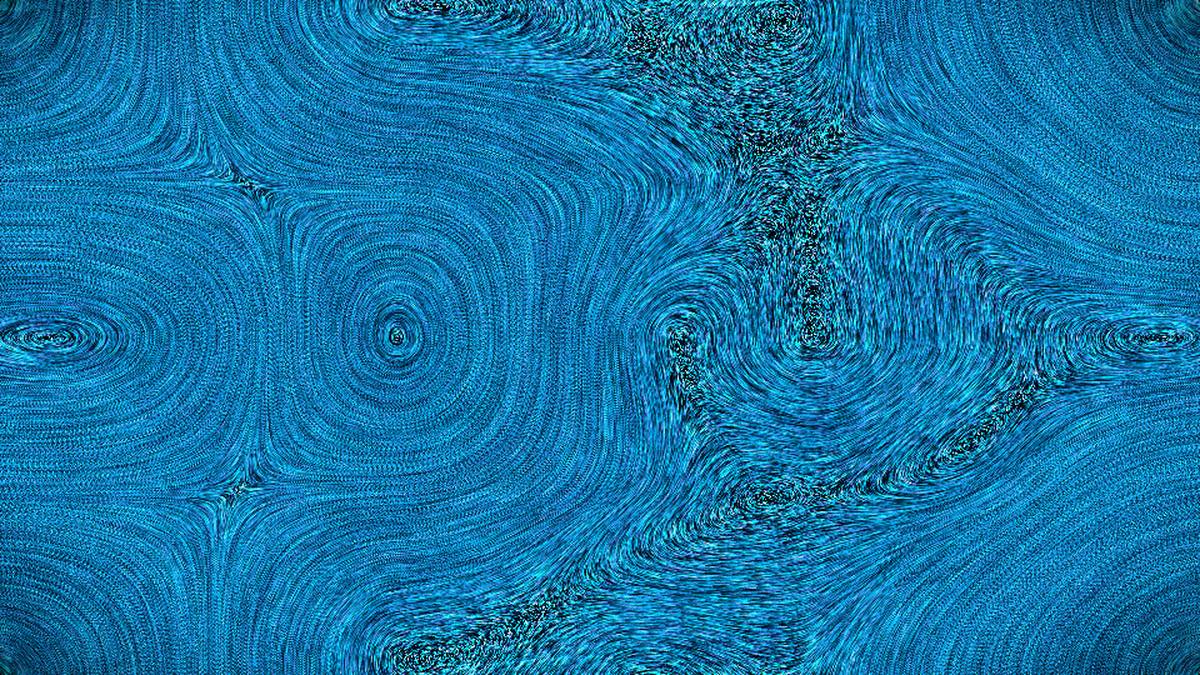 Flow Particles -
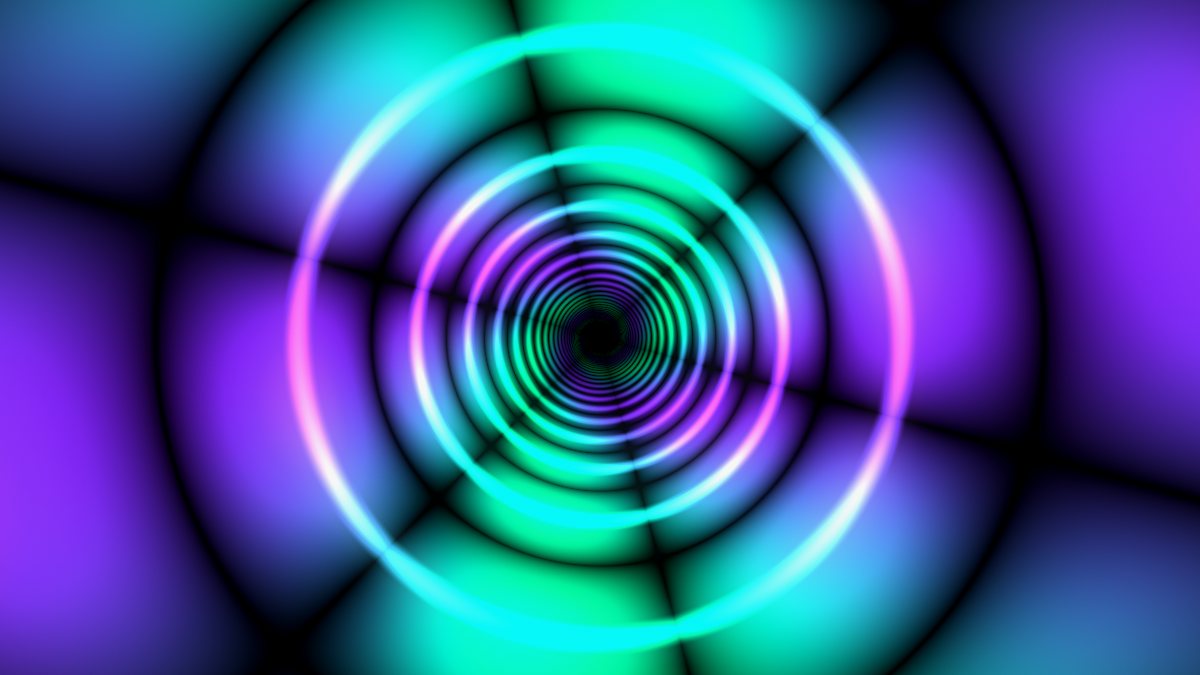 Shader Lab =
Engines, scenes and palettes
Each engine has its own scene presets, and more than 100 are built in; W and Q step forward and back through them. Bass, mids and treble each push the image in their own way, and the mapping sliders set how hard. Any engine can take one of the 12 palettes or a custom four-color palette, and the 16 post-processing effects sit on top of all of them.
The shared controls include symmetry, complexity, zoom, detail, warp, fractal, kaleidoscope, speed, rotation, pulse and morph, plus saturation, brightness, contrast, hue shift, color speed, glow, edge, bloom and vignette. How much each one changes the picture depends on the engine, so it's worth sweeping them on each.
Dark Filigree
Fine, lace-like threads that branch, fold and slowly rewrite themselves over a dark field. It's built from layered, warped noise, so depending on the palette it reads as coral, metal filigree or an engraving, and most of the frame stays black.
- Key
- 1
- Good for
- Moody openers, slower sets and dark rooms. With so much of the image black, it projects cleanly: the threads land on the surface and the rest disappears.
- Presets
- Deep Coral, Midnight Lace, Amber Web, Persian Carpet, Neon Reef
Glowing Nebula
Soft cells of light that swell, merge and drift like gas clouds or bioluminescent plankton. Edges glow rather than cut, and colors bleed into one another.
- Key
- 2
- Good for
- Ambient and downtempo music, chill rooms and sound baths, anywhere you want color without hard detail. Soft shapes also forgive a projector that isn't perfectly in focus.
- Presets
- Rainbow Bloom
Liquid Light
A take on the oil-on-glass liquid light shows of 1960s concerts: blobs of colored oil pressed against each other, with dark veins where they meet, flowing and reshaping.
- Key
- 3
- Good for
- Psychedelic rock, jam bands, funk and soul nights, anything with a retro feel. It also works as a backdrop behind a live band, always moving without competing for attention.
Sacred Geometry
Rings, petals and lattices arranged around the center: mandalas, rose windows, interlocking circles. The symmetry control sets how many times the pattern repeats around the middle.
- Key
- 4
- Good for
- Centered compositions: a circular screen, a dome, the wall right behind a DJ booth. Symmetry makes the beat easy to read, because every pulse lands in every petal at once.
- Presets
- Flower of Life
Fractal Quilt
Nested diamonds and chevrons that tile across the frame like patchwork, a woven blanket or a circuit board. The detail control adds levels of nesting inside each tile.
- Key
- 5
- Good for
- Wide screens, LED walls and building facades. A repeating pattern carries across several surfaces in Extend mode, where it helps hide the joins.
Galaxy Spiral
Spiral arms of light and drifting points of starlight wound around a center, slowly turning.
- Key
- 6
- Good for
- Spacey, hypnotic stretches: ambient sets, long trance builds, the last hour of the night. It suits a centered screen or a ceiling.
- Presets
- Stellar Nursery
Reaction-Diffusion
Spots and stripes that grow and shift like animal markings, coral or cells under a microscope: the family of shapes known as Turing patterns.
- Key
- 7
- Good for
- Galleries and installations where people look closely, and patient music like minimal techno, where slow change is the point.
Particle Field
Points of light in orbits, bursts and constellations, trailing as they move. Much of the screen stays black between them.
- Key
- 8
- Good for
- Sparse looks that keep a room dark, projection onto scrims or haze, and fast tracks where you want sparks rather than a wall of color.
- Presets
- Fireflies, Spark Storm, Star Map, Cosmic Rain
Fractal Flame
Curling, feathered tendrils that look like flame or smoke, built by layering several nonlinear transforms, the same family of math behind classic fractal-flame art.
- Key
- 9
- Good for
- Peaks and drops, heavier music, and the big moments of a set where you want the picture to feel like it's on fire.
Fluid
A real-time fluid simulation. Ink-like dye is pushed around by the sound, the mouse and body movement, curling and mixing like a real liquid. The symmetry setting mirrors the emitters, turning the flow into a moving kaleidoscope.
- Key
- 0
- Good for
- Interactive installs where people push the ink with their bodies through webcam body tracking, dye that blooms on every kick, and kaleidoscopic looks with symmetry turned up.
- Presets
- Ink Bloom, Molten Wax, Oil Slick, Smoke Signals, Mandala Ink
Flow Particles
Hundreds of thousands of GPU particles streaming through a curl-noise flow field, moving like smoke or a flock of starlings. They're drawn toward hands and the cursor, and they burst on the beat.
- Key
- -
- Good for
- Body tracking and audience interaction, EDM drops, and any moment where the screen should answer someone's hands.
- Presets
- Star Stream, Silk Mandala, Ember Storm, Aurora Drift
Shader Lab
Your own code. Write or paste a Shadertoy-style GLSL shader and it runs as an engine, with audio, beat, palette and interaction inputs ready to read.
- Key
- =
- Good for
- Coders and generative artists, bringing a Shadertoy sketch into a live show, and building a look no built-in engine has. The Shader Lab guide has the full uniform reference.
- Presets
- Starter, Palette Plasma, Neon Tunnel, Spectrum Rings, Feedback Bloom (built-in examples)
More scenes to try
A few other names you'll find in the scene library: Psyche Oil, Wildfire, Acid Lake, Gold Mandala and Ember Drift. Step through with W and Q, and when you land on one you like, make a share link so you can get back to it exactly.
New to Phosphene? The getting-started guide covers sound sources, the beat clock and the keys you'll use most.
Open PhospheneIt's free, and there's nothing to install.